My Pod Planner
A light‑zone‑aware planning tool for owners of Gardyn indoor hydroponic gardens, designed and shipped solo in two weeks with AI as the implementation arm. Live at mypodplanner.com.
The real gap wasn’t information. It was spatial.
For four years, Gardyn owners had planned pod layouts in a community spreadsheet, returning every few weeks when their pods exhausted. Gardyn already gave them a plant catalog and a light map. What none of it could do was model the physical layout: which plant belongs in which light zone, and what to replant next. I designed a light‑zone‑aware planner that answers exactly that, what to plant, where to place it, and when to swap it.
Warn, don’t block
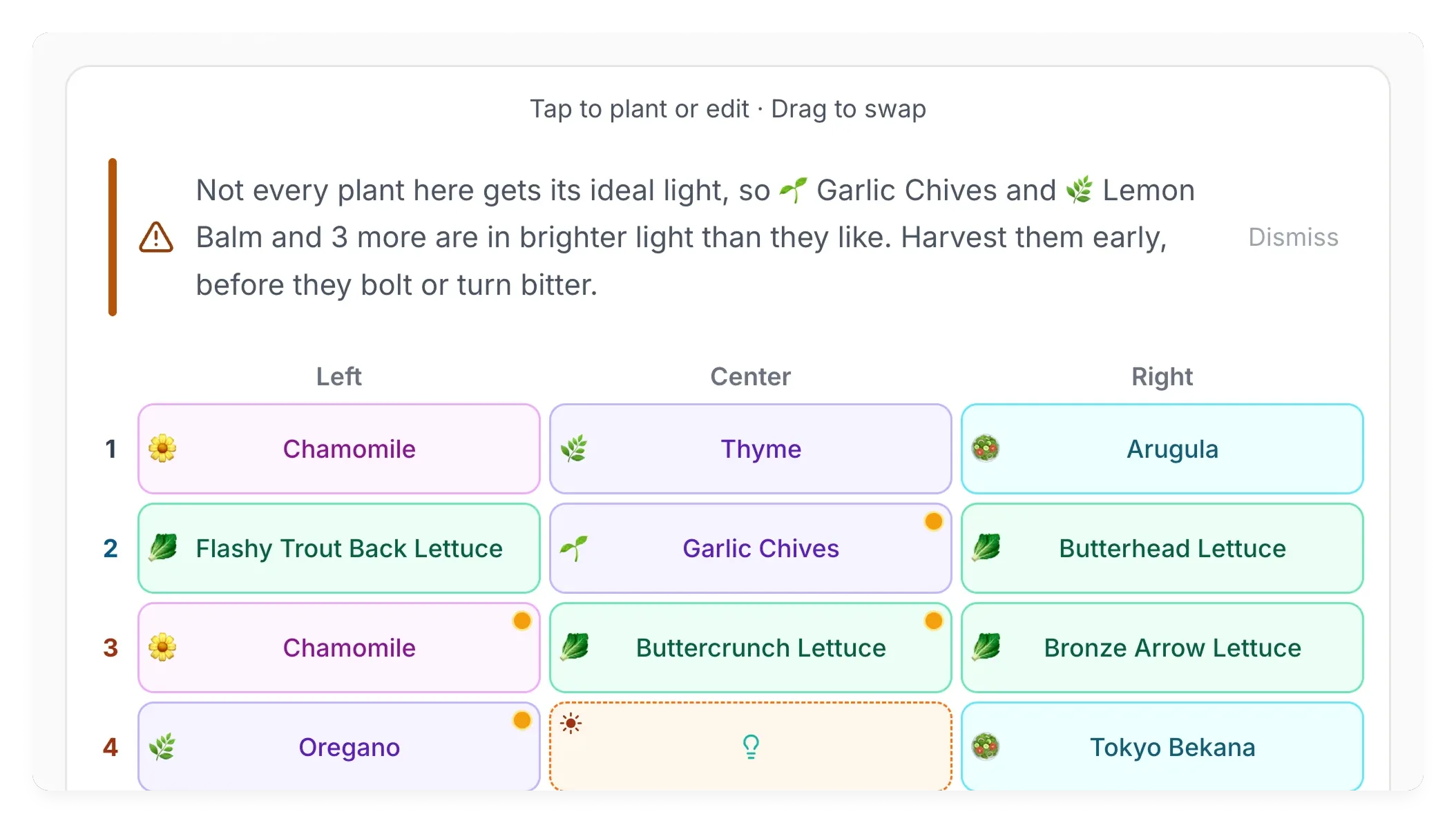
My first instinct was to block bad placements: refuse to let a high-light plant sit in a low-light slot. The Reddit threads changed my mind. Owners routinely have more plants of one light level than slots for it, so blocking forces them to either misplace a plant or close the tab. I flag the consequence inline and let the user decide. That stance, the system informs, the person decides, then carried into auto-place recommendations, tips that stay until you dismiss them, and bolting warnings across the product.
Ship fast with AI, own the production layer yourself
A week-one deployment broke analytics and wiped several early users’ saved layouts. I found the affected users by hand and reached out directly. AI accelerated implementation more than I expected, but production accountability stayed mine. Now anything touching user data, migrations, or analytics gets a code review, not just a UI check.
The behavioral research, the five workflows, the launch incident and the guardrails it created, and the outcomes after launch.